

Sanitize: missing unit number
Addresses without a unit number get rejected — the system will not let you process them as-is. Common in Kedah, Sabah, and Johor. You fix this by adding either the meter number from the utility bill, or the customer’s name, to the front of the address. Meter number is preferred; name is the fallback.
Step 1 — Fetch records in the Key-In tab
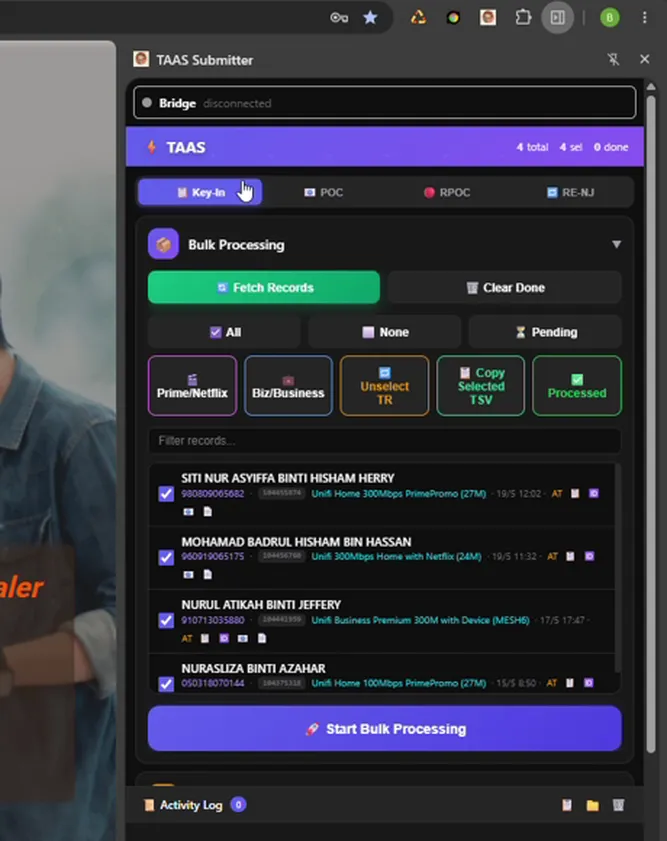
Section titled “Step 1 — Fetch records in the Key-In tab”Open the Chrome extension, go to the Key-In tab, and click Fetch Records. If the activity log is laggy from too many entries, clear it first.
Step 2 — Copy unusual records to a new sheet
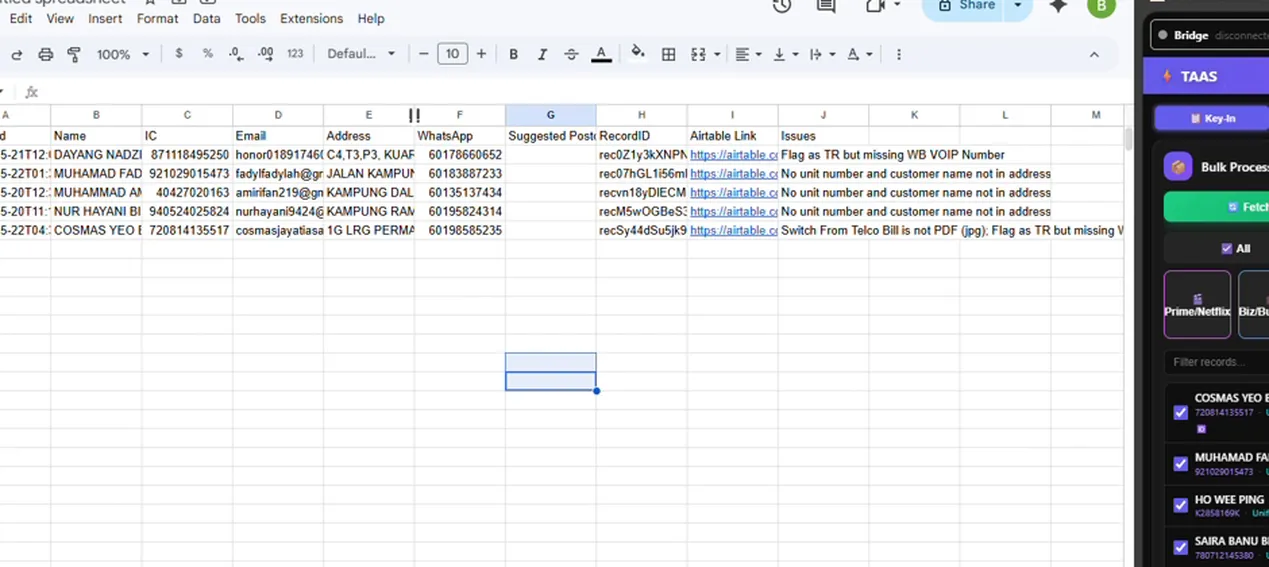
Section titled “Step 2 — Copy unusual records to a new sheet”Click Copy Unusual TSV, open sheets.new for a fresh sheet, and paste. This gives you a clean view of every flagged record and its detected issue.
Step 3 — Find the no-unit-number rows
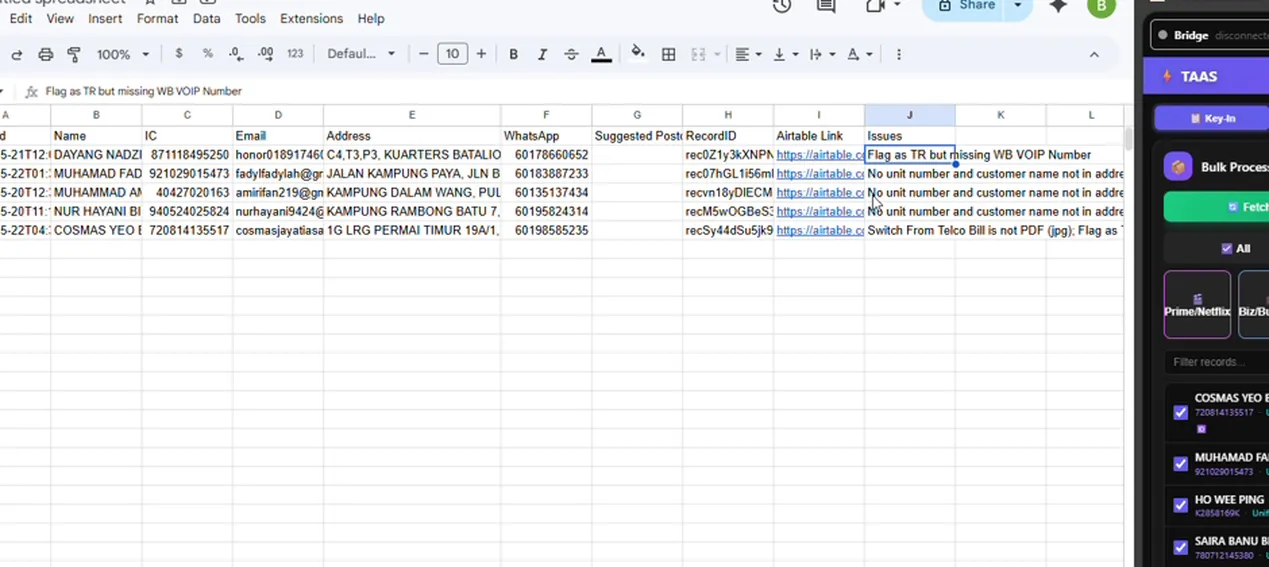
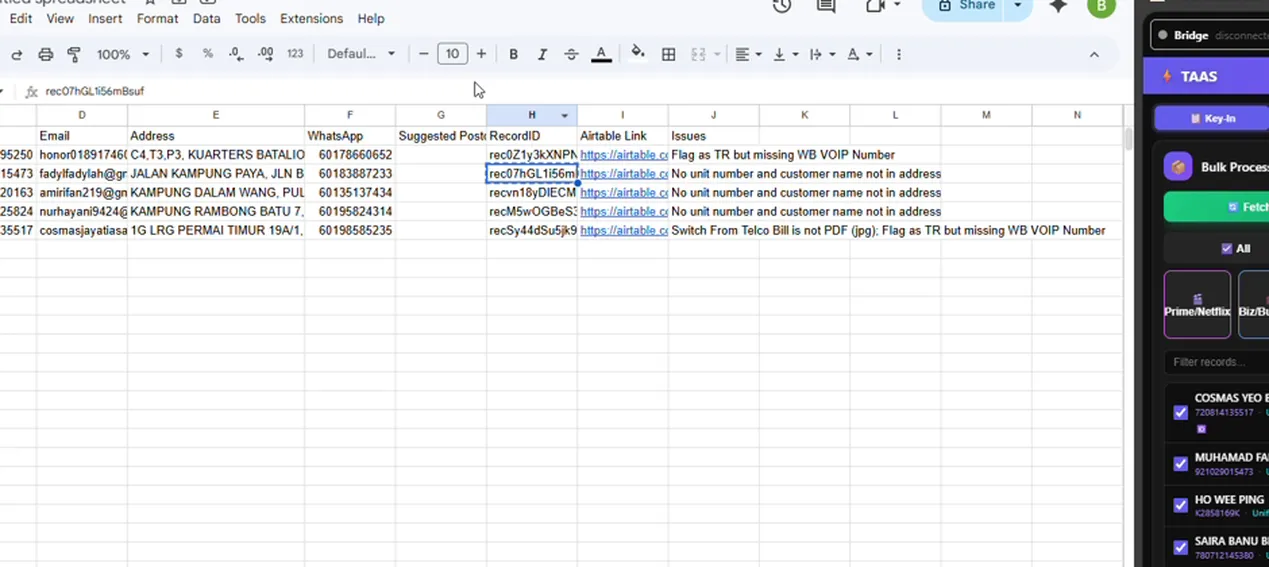
Section titled “Step 3 — Find the no-unit-number rows”Look for rows tagged with the no-unit-number issue. These are the most common kind. Note the record ID for each.
Step 4 — Open the record in the portal
Section titled “Step 4 — Open the record in the portal”Go to operations.convenient.my, click Find Case, and paste the record ID. You can search by other fields, but record ID is the most reliable.
Step 5 — Open the PDF utility bill
Section titled “Step 5 — Open the PDF utility bill”On the record, click the PDF version of the utility bill. PDF is preferred because you can copy text directly out of it.
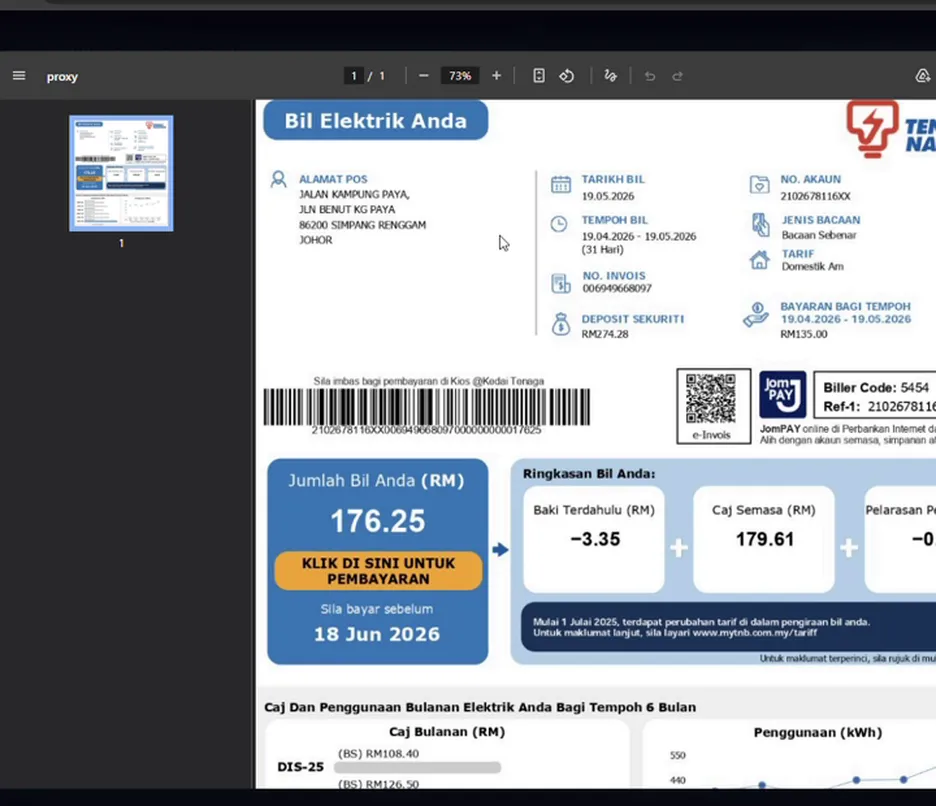
Step 6 — Decide: meter number or customer name
Section titled “Step 6 — Decide: meter number or customer name”If the bill has a meter number (usually for Sabah-style addresses), copy it. Double-check it is the right field — pick a bill you are confident about. The meter number is what you want.
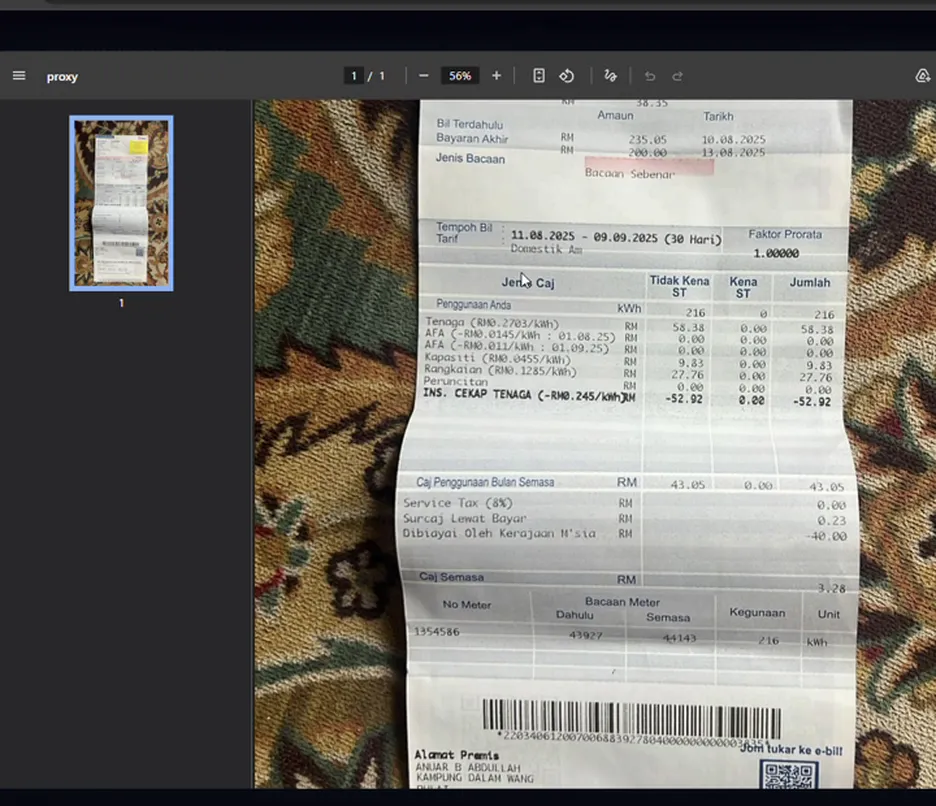
If there is no meter number (for example an Astro bill — the customer is switching from Astro fibre to Unifi), copy the customer’s full name instead.
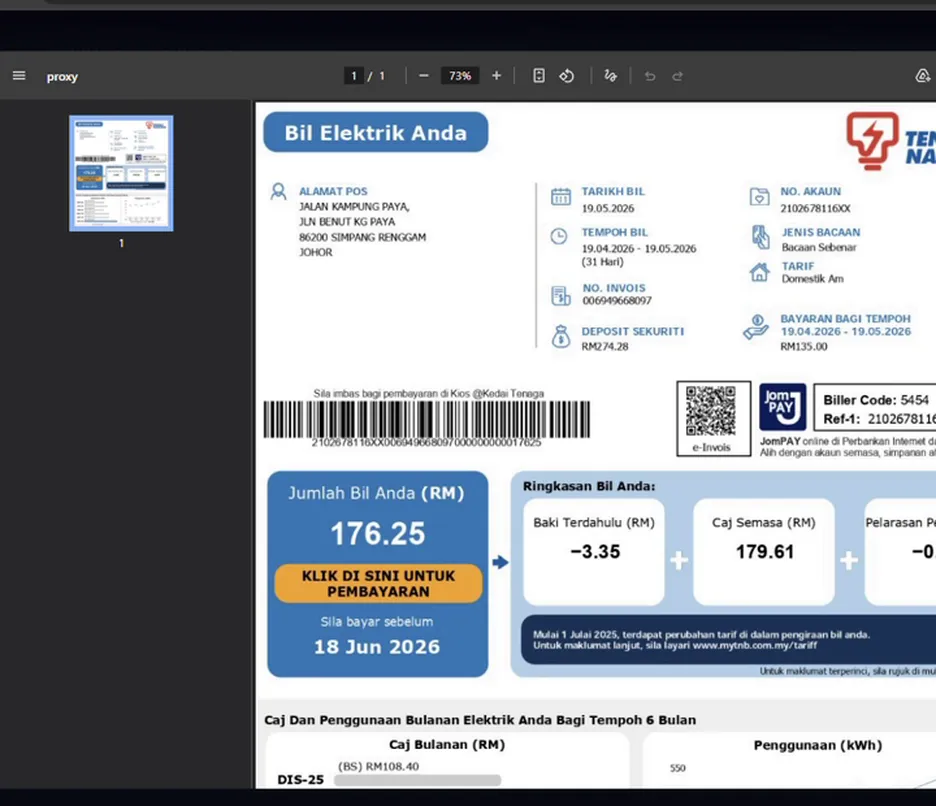
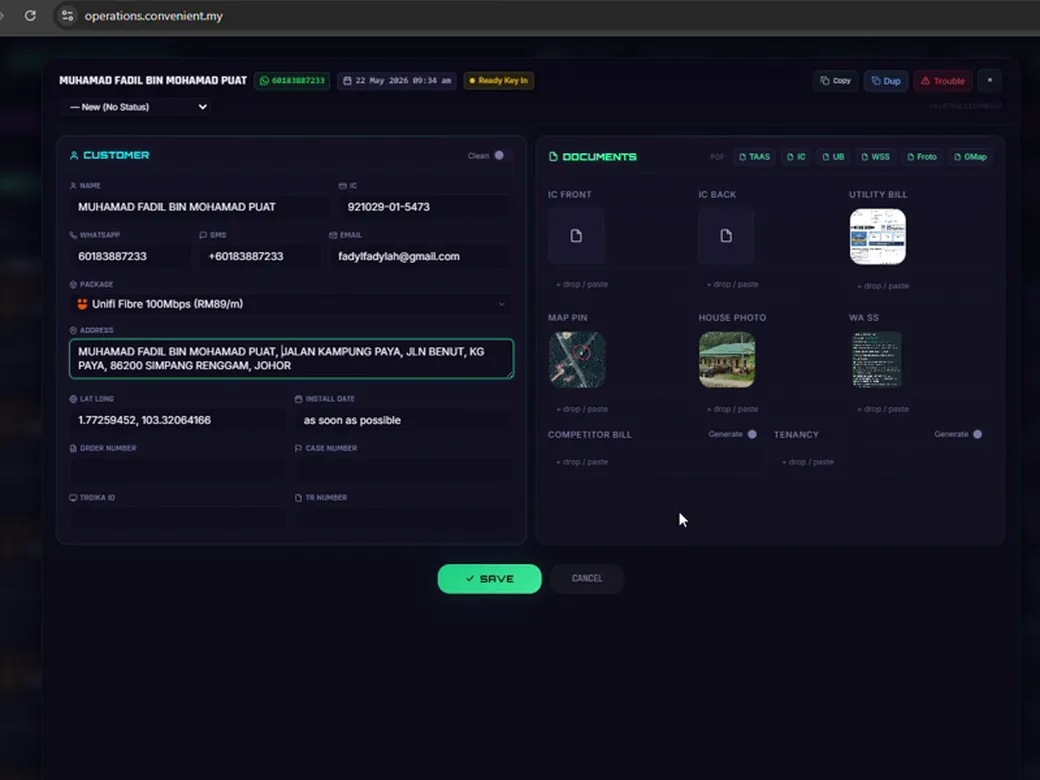
Step 7 — Paste into the address and save
Section titled “Step 7 — Paste into the address and save”Back in the portal, paste whichever value you chose (meter number or name) into the address field, in front of the existing address text. Click Save and move to the next record.
Notes on false flags
Section titled “Notes on false flags”You will see records flagged that do not actually need fixing — for example an address containing “plot 897” mis-read as a missing unit number. Leave these alone. You can teach the system to recognise the pattern (via Claude Code), but every exclusion you add also risks hiding real issues, so do not over-tune.